A presell page sits on your own site between your traffic and the Amazing Self sales page. It gets people interested first, and it gives ad platforms your own page to approve instead of the same sales page every other affiliate sends them to. Each page below comes as a WordPress import and as plain HTML, with one AFFILIATE-LINK placeholder in every button for your hoplink.
You haven't saved your hoplink yet. Make it once on Promotion Links and every swipe, banner and review in this area shows your own link.
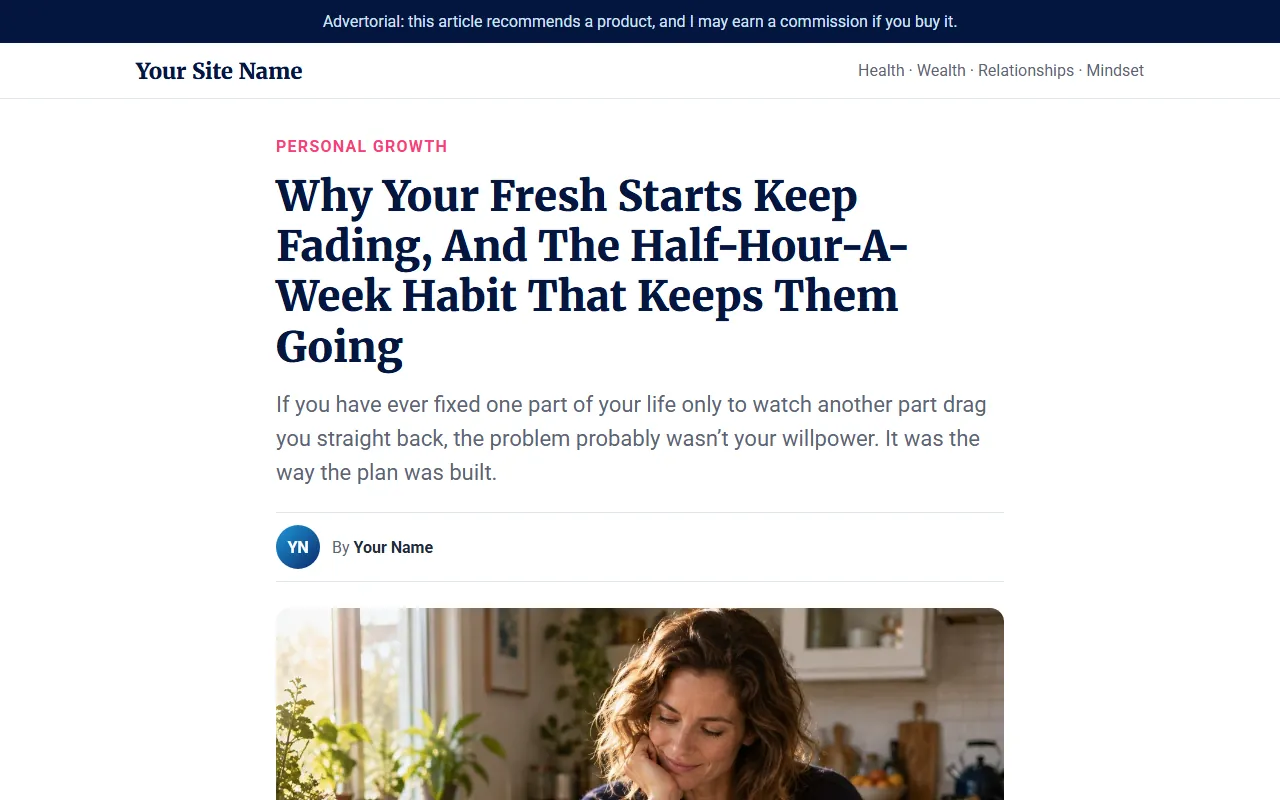
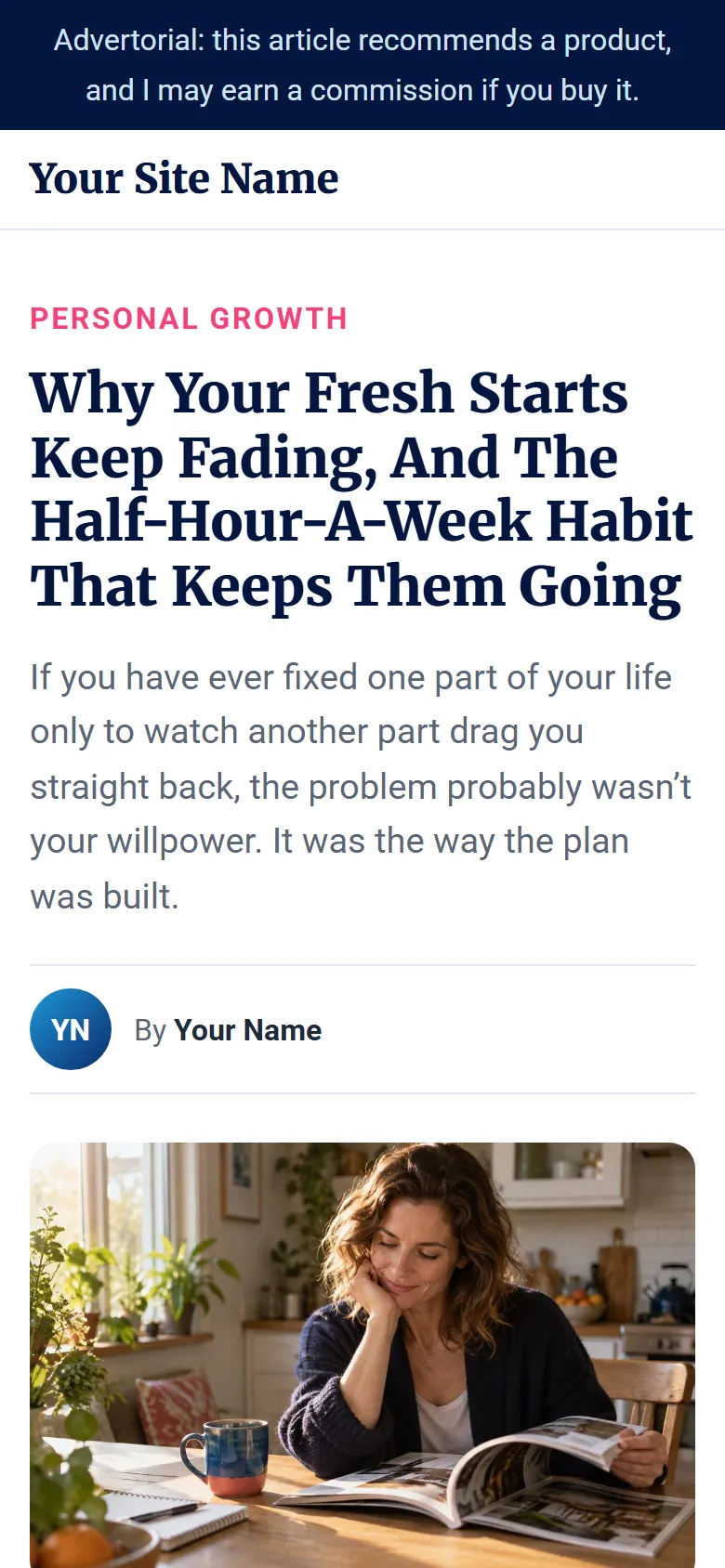
An advice-style article about why fresh starts fade when you work on one part of your life at a time, and how Amazing Self covers health, wealth, relationships and mindset together.
Best for cold traffic: paid ads, social posts and search visitors who have never heard of Amazing Self. The article warms them up before they see the sales page.
The live preview shows your own hoplink in every button once you've saved it on the Promotion Links page. Hover over a button to check it.
Using WordPress: import it with Commission Kickstart
1
Install the free Commission Kickstart plugin on your WordPress site. You'll find it at commissionsclub.com/kickstart.
2
Click Download WordPress under the page you want. Keep the zip as it is; don't unzip it.
3
In WordPress, go to Pages > Add New, give the page a title, tick Enable in the Commission Kickstart box, then click Import and choose the zip. The words, pictures and colours fill in for you.
4
Paste your hoplink into every button link field (they all say AFFILIATE-LINK), and change "Your Site Name" and "Your Name" to your own.
5
Publish the page, click every button once to check it opens the Amazing Self sales page with your ClickBank nickname in the address, then send your traffic to it.
Not using WordPress: use the HTML version
1
Click Download HTML and unzip it. You'll get index.html, an images folder and a README.txt with the full instructions.
2
Open index.html in a plain text editor such as Notepad, use Find and Replace to change every AFFILIATE-LINK to your hoplink, change "Your Name" to your own, and save.
3
Upload index.html and the images folder to a new folder on your web host. No host? Drag the whole folder onto Netlify Drop and you'll get a free web address straight away.
4
Want different words or colours? The README has a ready-made request you can paste into an AI assistant along with the page. Keep the facts, the price, the guarantee and the disclosure lines as they are.